
After safety and the heat, this is the question guests ask most before they fly: will my phone work on the river? The short answer is yes, better than most people expect, as long as you set it up the right way on day one. Here is how I advise my own guests, as someone whose whole working life runs on WhatsApp from the deck of a ship.
- Wifi is available on the ships, included as standard on most, and like hotel wifi anywhere, it is better for messages than for movies.
- The reliable answer is a local SIM or eSIM, bought on arrival with your passport, or by your guide for you. Mobile data in Egypt is inexpensive and the coverage along the cruise route is good.
- The towns and the sites have strong signal. On some quiet stretches of river the mobile data thins, and that hour of peace is part of the cruise.
- Egypt runs on WhatsApp: it is how you reach us, your driver and half the country.
- Check your own plan’s roaming prices before you fly, or switch roaming off and live on wifi and the local SIM.
Wifi on the ship
Every ship we sell has wifi available, and on most of them it is included as standard. A few boats still sell it on board as an extra, a few dollars and rarely up to about ten, an old-style habit that is slowly dying out. Be honest with your expectations either way: even on five-star ships this is hotel wifi in a moving building, fine for WhatsApp, email and photos home, not something to plan a video conference around. The wifi signal reaches the whole boat; it is the internet behind it that comes and goes, especially while the ship sails through the countryside, because it rides on the same phone signal your SIM would use.
A local SIM or eSIM: the right answer
If you want your phone to just work for the whole trip, buy a local SIM. The networks have counters at the airports, you need your passport, and SIM shops are everywhere in town as well; if you would rather not queue after a flight, tell us and your guide buys one for you on arrival. Around 15 to 20 US dollars buys a tourist package with 20 to 30 gigabytes or more, which is more data than a week on the Nile will use. Four networks serve Egypt: Vodafone, Orange, e& (Etisalat) and WE. If your phone takes an eSIM, you can buy an Egyptian eSIM online before you even fly and land already connected. We do not sell SIMs and have no deal with any network; this is simply what works.
Signal on the river
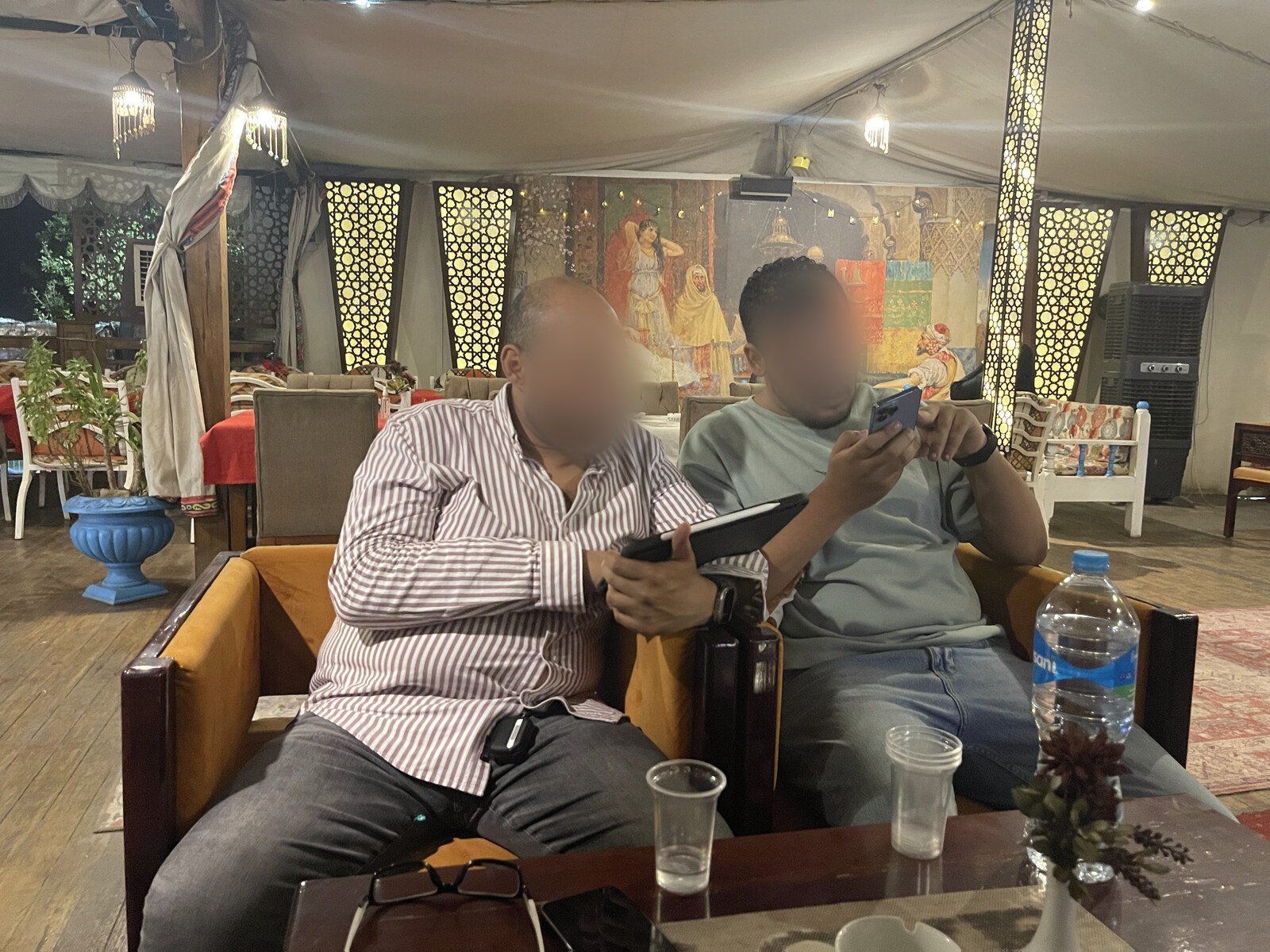
The phone signal along the cruise route is strong nearly all the time: the towns, the temples and the docks all have it. What thins on some quiet stretches between the towns is the mobile data riding on it, for an hour here and there while the ship sails through farmland. My honest advice is to let it: that hour on the sun deck with no bars on the screen is one of the best things the Nile still sells.
One detail from years on these boats: the deck you are on matters. On most ships the cabins sit above the dining deck, but where a cabin is low in the boat, the signal inside it can be weak at the docks and on parts of the river. The fix costs nothing: go up a deck, or to the sun deck, and the bars come back. It is one more small reason the upper decks are worth asking for, as we explain in which cabin on a Nile cruise.
WhatsApp, and how Egypt actually communicates
Egypt runs on WhatsApp. It is how you reach us before you book and during your trip, how your guide and driver coordinate your mornings, and how most Egyptian businesses answer faster than email. Calls over WhatsApp work fine on the ship wifi and on a local SIM. If you do one piece of setup before you fly, make sure WhatsApp is on your phone and working.
Using your own plan from home
Roaming in Egypt can be expensive with some home providers and reasonable with others, so check your plan’s rates before you fly rather than at the first bill. A common approach that works well: keep your home SIM active for calls and codes from your bank, switch its data roaming off, and put all your data on the local SIM or eSIM. Your number still receives what it needs, and the data costs stay Egyptian.
Plugs and charging
Egypt uses the round two-pin European plugs (types C and F) at 220 volts. The cabins have sockets, and a small power bank earns its place on the early temple mornings. The rest of the packing answer is in what to pack for a Nile cruise.
Before you travel
- What to pack: the adapter, the power bank and the rest.
- Money and tipping in Egypt: cards, cash machines and the card-only ticket offices.
- The itinerary day by day: when you are at the sites and when you are sailing.
- Food and drink on board: the other practical question, answered.
- Photography on a Nile cruise: what you can shoot, and where.
Questions
Is there wifi on Nile cruise ships?
Yes, wifi is available on the ships we sell, and included as standard on most of them. A few boats still charge a few dollars for it on board. It is made for messages and email, not for streaming.
Should I buy an Egyptian SIM card?
If you want reliable data for the whole trip, yes. Buy it at the airport with your passport, ask your guide to buy one for you on arrival, or buy an Egyptian eSIM online before you fly.
Does the phone work between Luxor and Aswan?
In the towns and at the temples, yes, with strong signal. On some quiet sailing stretches the mobile data thins for a while, then comes back. If the signal is weak in your cabin, go up a deck.
Can I work remotely from the ship?
Email and messages, comfortably. Video calls, only when the ship is in town or you have a local SIM with good signal. If your trip depends on a meeting, plan it for a morning in Luxor or Aswan.
Will WhatsApp work in Egypt?
Yes, everywhere there is signal or wifi, and it is the way Egypt communicates. It is also how you reach us at any point before or during your cruise.
What plugs does Egypt use?
The round two-pin European types C and F, at 220 volts. One universal adapter covers it.
